

Add the page to store navigation
The page exists, but customers still have to find it. Add an entry to your store navigation menu.
Navigation belongs to your store, so you configure it in your store admin. Step 4 of the setup checklist has a button that takes you there.
Shopify
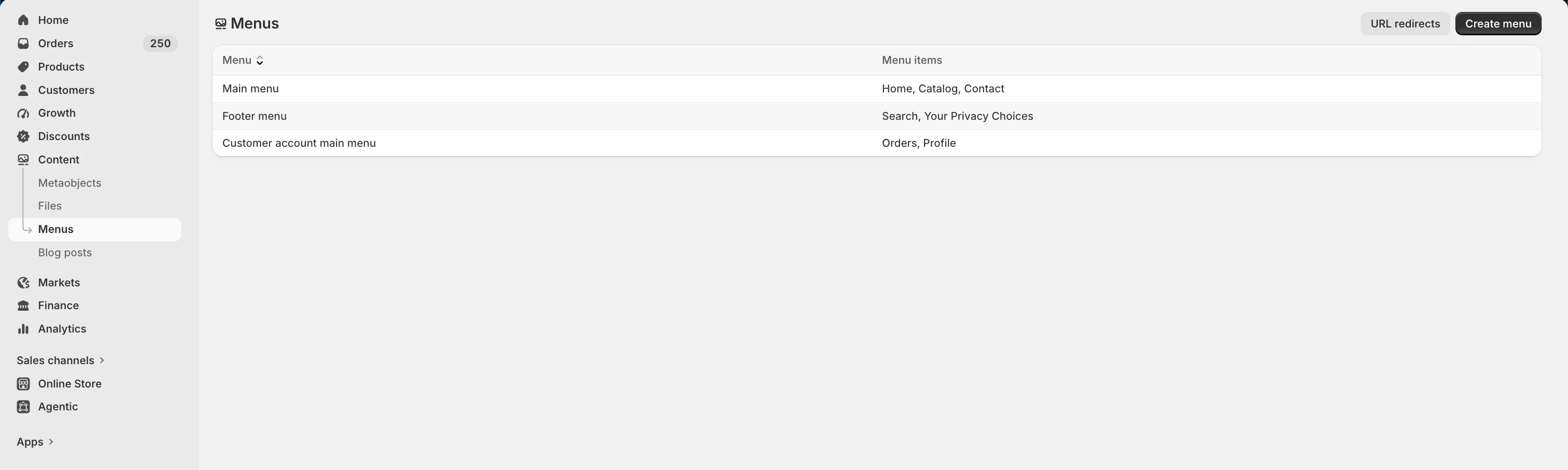
Section titled “Shopify”- Go to your Shopify admin → Content → Menus → Main menu.
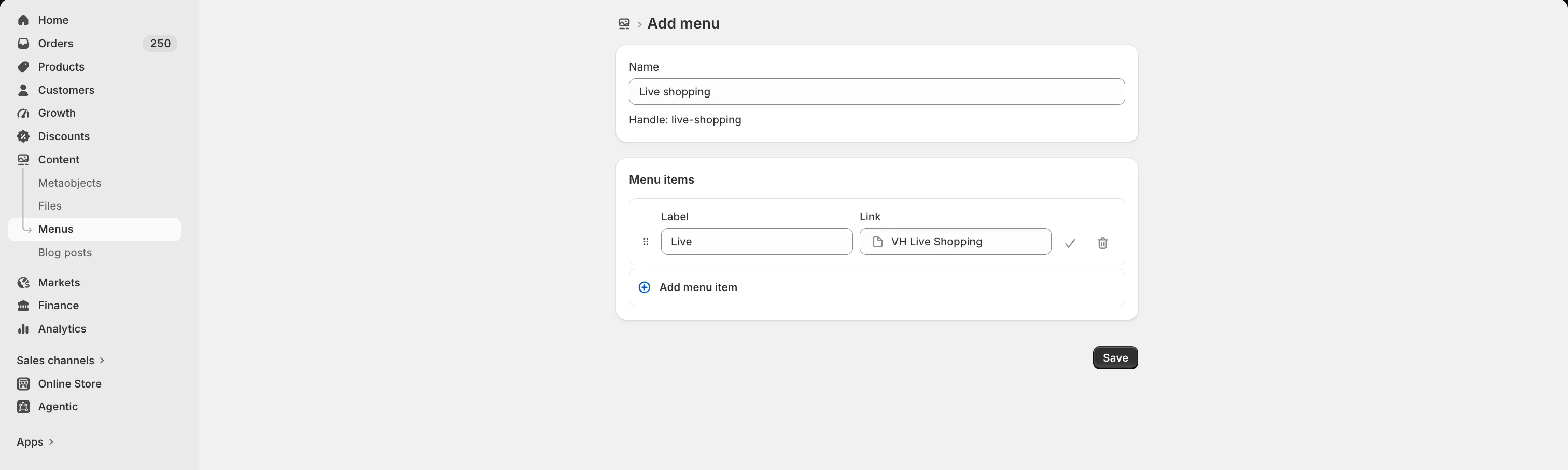
- Add a menu item and name it whatever suits you, such as Live Shopping or Watch Live.
- Set the link to Pages and point it at VH Live Shopping.
- Save.
Come back and mark it done
Section titled “Come back and mark it done”This checklist step does not tick itself. MaxxShow cannot see changes to your store navigation. Once the menu is live, return to the home page and click Mark as complete on that step.