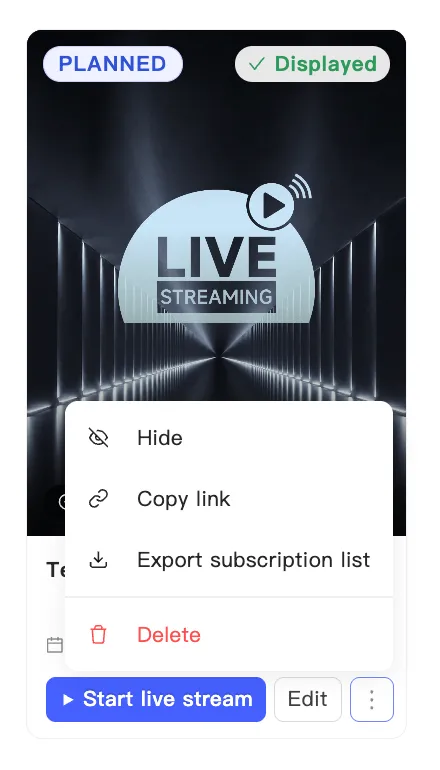
Export the notification subscriber list
Viewers can tap Notify Me on an event card on your live shopping page and leave an email to hear when you go on air. You can export that list.
- Find the event on the events page.
- Open the card’s menu and choose Export subscription list.
- A confirmation tells you the export task is queued.
Exporting runs as a background task, so nothing downloads on the spot. Collect the file under User center → Export task. See Export data.
Who can download it
Section titled “Who can download it”Only store admins can download the file. It holds your viewers’ personal contact details. Handle it under the privacy rules of your market, and do not forward it casually.