Delete a live event
Remove an event you no longer need. This does not reverse.
- Find the event on the events page.
- Open the card’s menu and choose Delete.
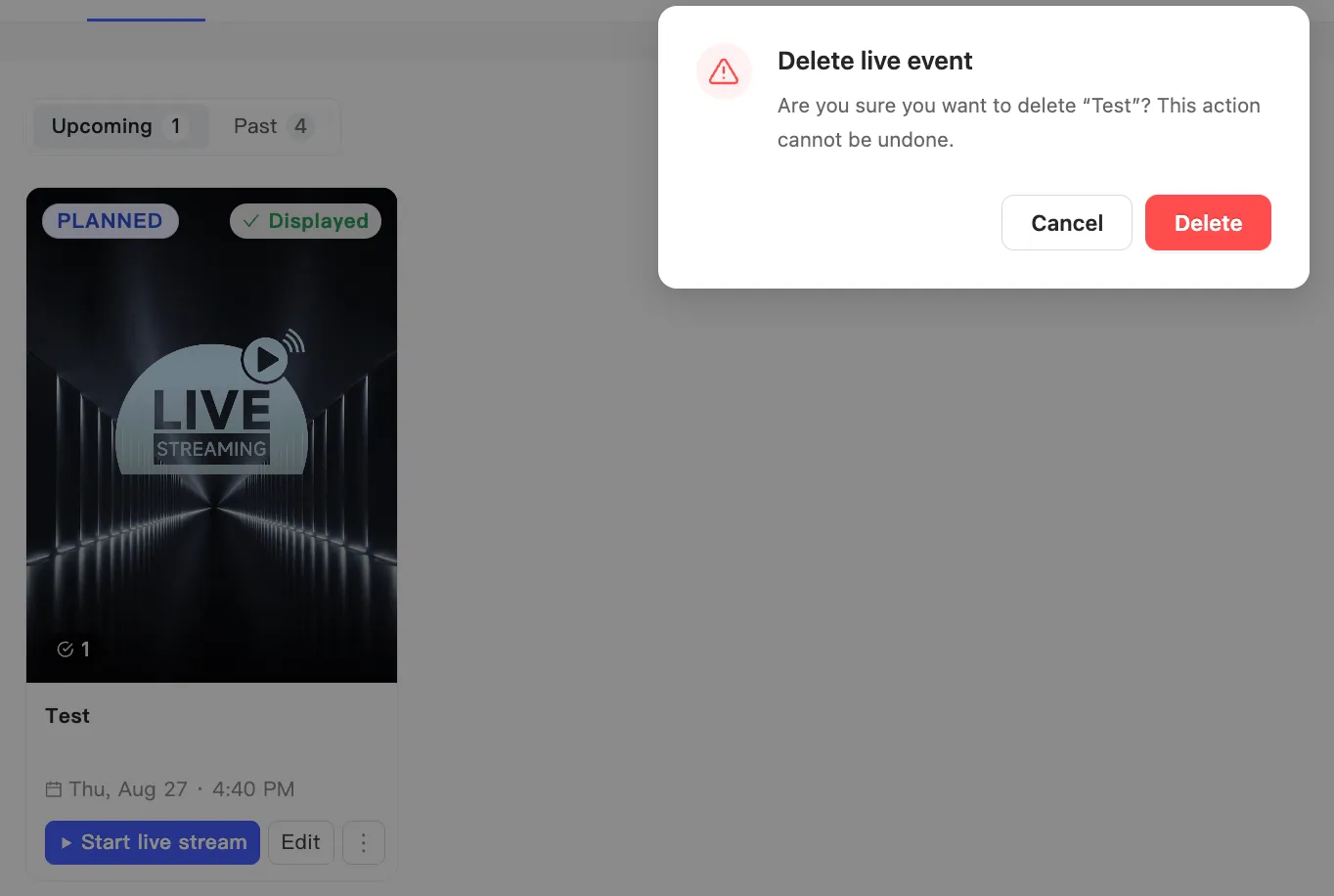
- The Delete live event dialog appears. It names the event you are about to remove and warns that the action cannot be undone.
- Click Delete to remove it, or Cancel to keep it.